A file was deleted
Pick an earlier moment and restore the file. Your current copy stays put.
7-day free trial
Browsable file history on your own drive, NAS, or S3-compatible storage. File History works on Windows, Mac, and Linux. Whole-computer recovery works on Windows. From US$49 once.
Pick an earlier moment and restore the file. Your current copy stays put.
Restore files on any supported computer. On Windows, recover the whole machine to a replacement drive.
With a supported S3 bucket, an Object Lock copy stays locked — malware cannot rewrite it.
Your home folder is the right start — the things you would actually miss.
Use an external drive, NAS, or your own S3-compatible bucket.
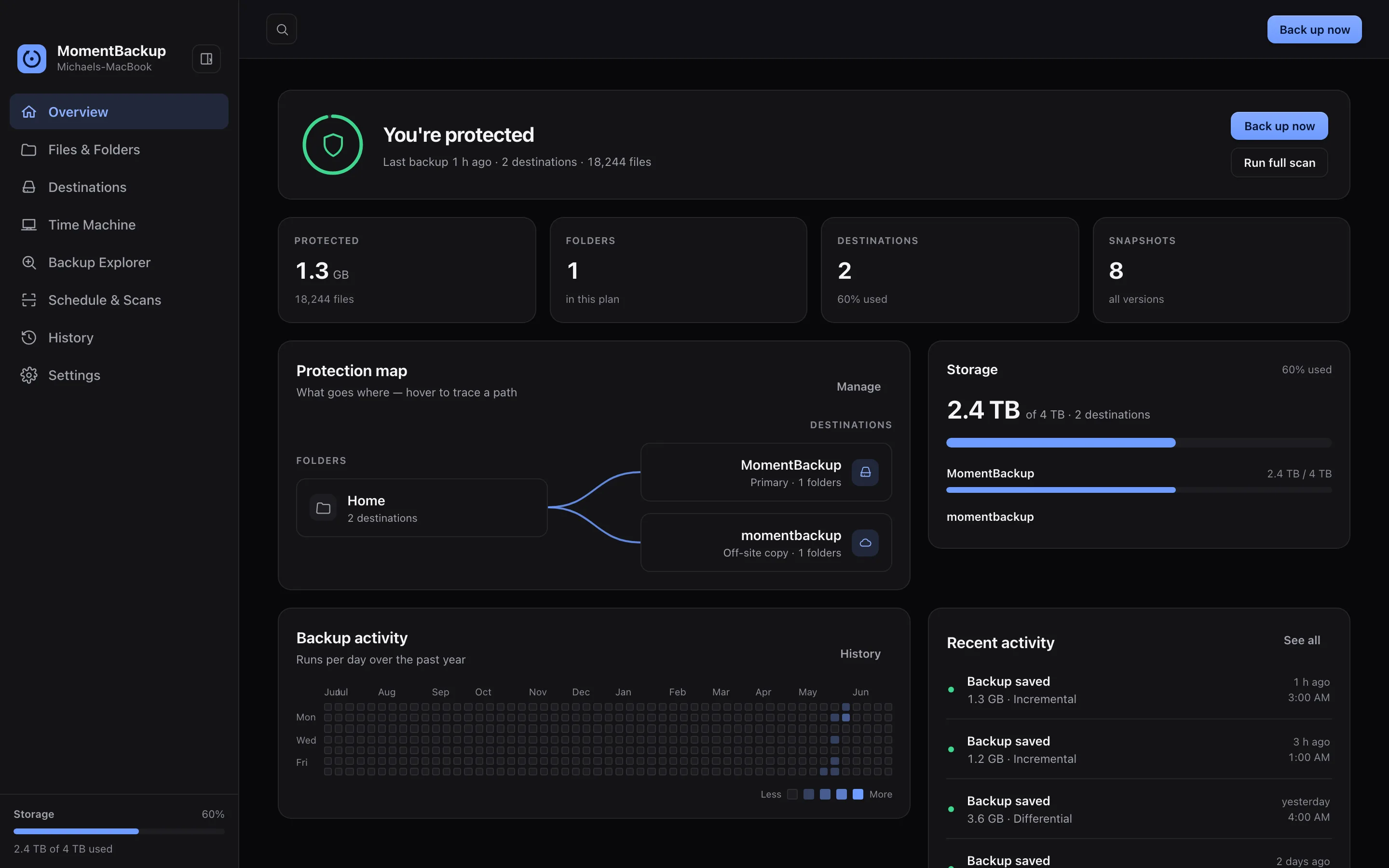
MomentBackup saves new versions on a schedule, checks its work, and keeps the history tidy.
Every platform gets File History, schedules, verification, and optional encryption. Restores never need a license. Whole-computer recovery differs by OS.
File History plus whole-computer images and replacement-drive recovery.
File History with scheduling, verification, and restore. Whole-computer recovery stays with Apple Recovery.
File History, schedules, verification, and restore. No whole-disk capture in 1.0.
MomentBackup can keep a recoverable image of a Windows computer — system, apps, settings, files — and restore it to a replacement drive.
Browse your backup like a folder and restore an older version. It copies to a new location by default — the file you have now stays safe.

MomentBackup verifies recent backups. For local and mounted backups, it can also run a safe restore drill — so you see when a real restore last passed, not just a green checkmark.
The free trial needs an account, but your backup files, encryption keys, and storage credentials still go nowhere near it.
Backups go to the drive, NAS, or S3-compatible storage you choose.
Encryption happens on your computer. Your passphrase and recovery key stay with you.
Restores are never license-gated, even after the trial or on a new computer.
Protect one computer for US$49, or up to three for US$69. Every personal plan includes every feature, 1.x updates, and a 14-day money-back guarantee. See how that compares with subscription backup →
Run Hub on your NAS or home server. Each computer can report its backup health without giving Hub access to the backup files.
Set up Hub
No account is needed to download or install MomentBackup. Sign in inside the app only when you choose to start the one 7-day trial. Another computer uses the same end date. No credit card is required.
A paid license is self-contained and activates offline. Your account never sees your backup files, encryption keys, or storage credentials.
Download first. Start the 7-day trial inside the app. No credit card. Restores keep working after it ends.